
Augmented reality // Consumer technology & mobile devices
Samsung Galaxy S9
Go beyond a flat product image. Turn the Samsung Galaxy S9 around, take a closer look at its design and bring the digital model into your surroundings with augmented reality.
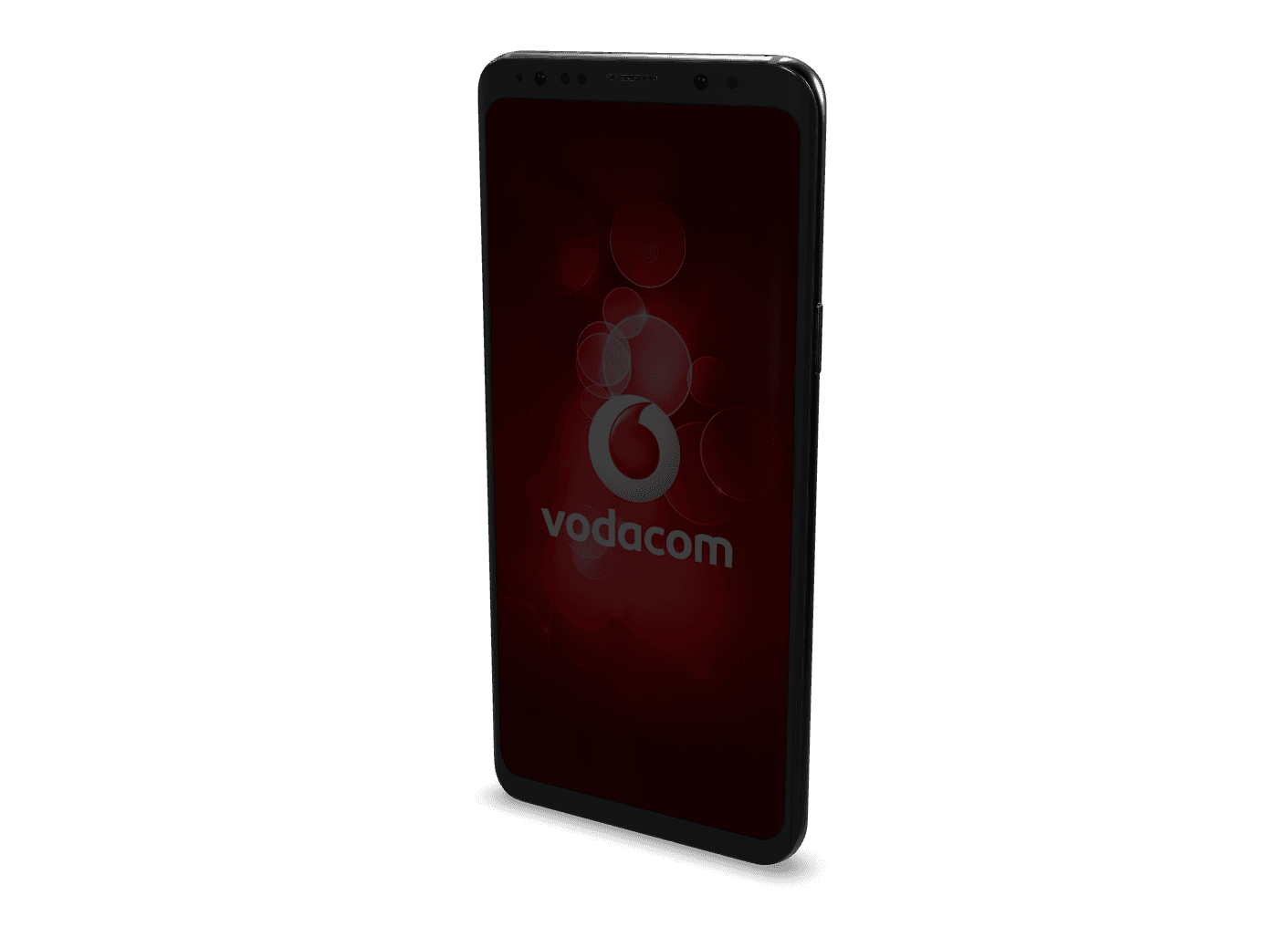
01 / A Closer Look
A product you can
explore.
This smartphone demonstration shows another way to discover a product online: you choose the viewpoint, the distance and the details you want to inspect in real time.
Front to back.
Rotate the model to explore the front, rear and edges of the smartphone from different viewpoints.
Closer to the detail.
Zoom in to inspect the shape and visible design details represented in the 3D model.
Beyond the screen.
On a compatible mobile device, place the digital phone in your environment and look at it in a different context.
02 / Take it for a spin
Your screen.
A new perspective.
Start with a 3D view in your browser. AR takes the next step, placing the digital product into the space around you on supported phones and tablets.
Load the model.
Select “Explore in 3D” to open the interactive product. The model downloads smoothly when you choose to view it.
Find your angle.
Drag to turn the product, or use touch gestures to orbit. Scroll or pinch to zoom. Reset the viewpoint whenever you like.
Bring it into your space.
On a compatible mobile device, choose “View in your space” and follow the camera surface prompts for instant AR placement.
Desktop visitors can use the 3D viewer. Open this page on a supported phone or tablet for WebAR and Quick Look. The model is a visual demonstration, not a measurement or fit guide.
Continue exploring
Another product.
Another perspective.
Hi-Tec boots
Explore the interactive footwear demonstration

Step Into The Future with
Virtual Reality South Africa
From turnkey VR activations and enterprise equipment rentals to bespoke spatial computing software and 360° video production — our specialized team brings your immersive vision to life.