
Virtual Reality
Rentals
Put your next experience into their hands. Headsets for events, activations, and enterprise training with TV casting, delivery, setup and facilitator support.
01 / Find your fit
Choose your
way into VR.
From a PC-powered installation to a standalone headset, match the equipment to the experience. Tell us your dates and quantities so we can confirm availability and a suitable setup.
 PC VR / Room-scale tracking
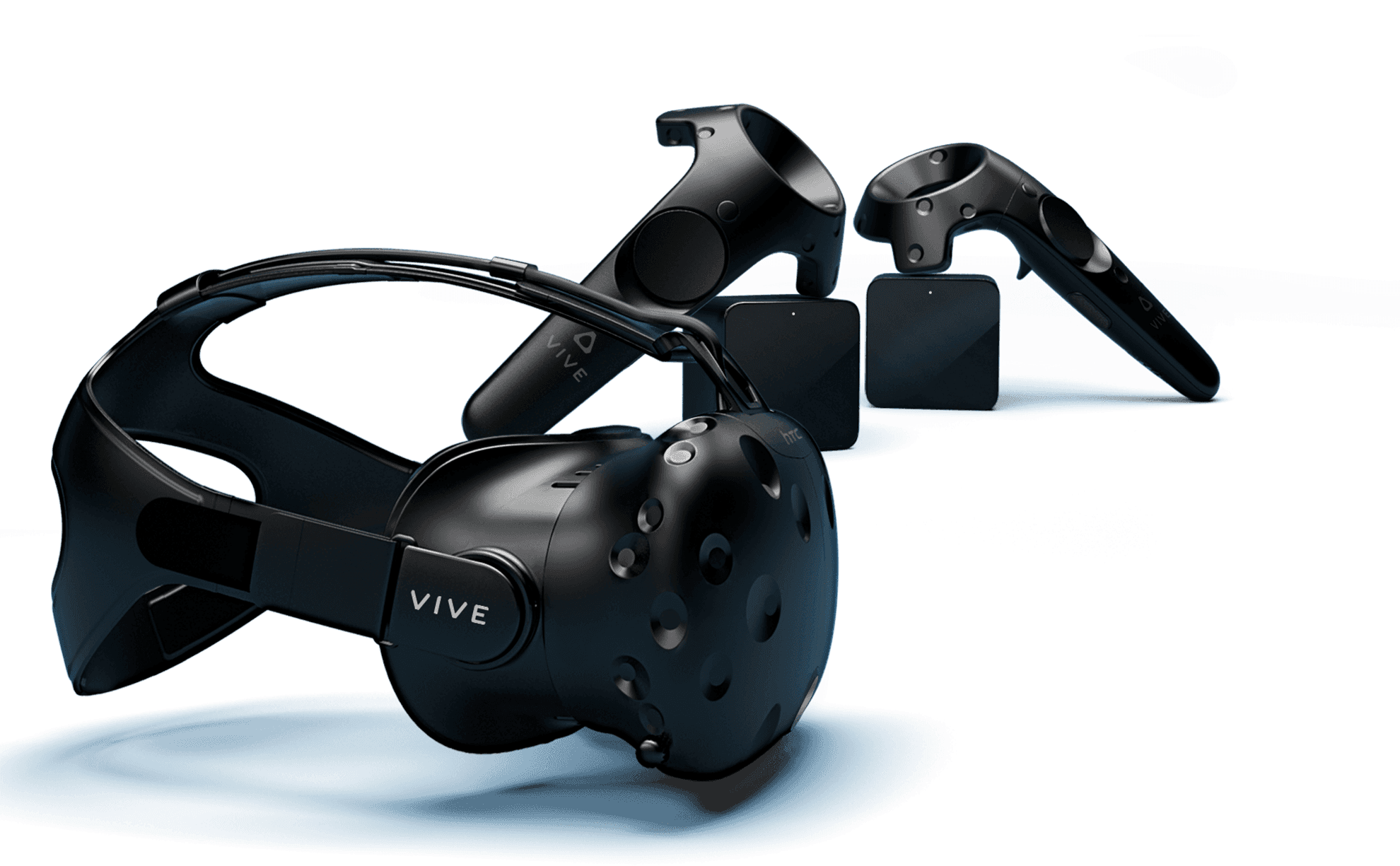
HTC Vive
01A PC-powered system for interactive experiences and dedicated event stations. External base stations track the headset and controllers around the play area.
- Setup
- Compatible PC, base stations & controllers
- Plan for
- Power, cable routing & a clear play area
 Standalone VR / Original Quest
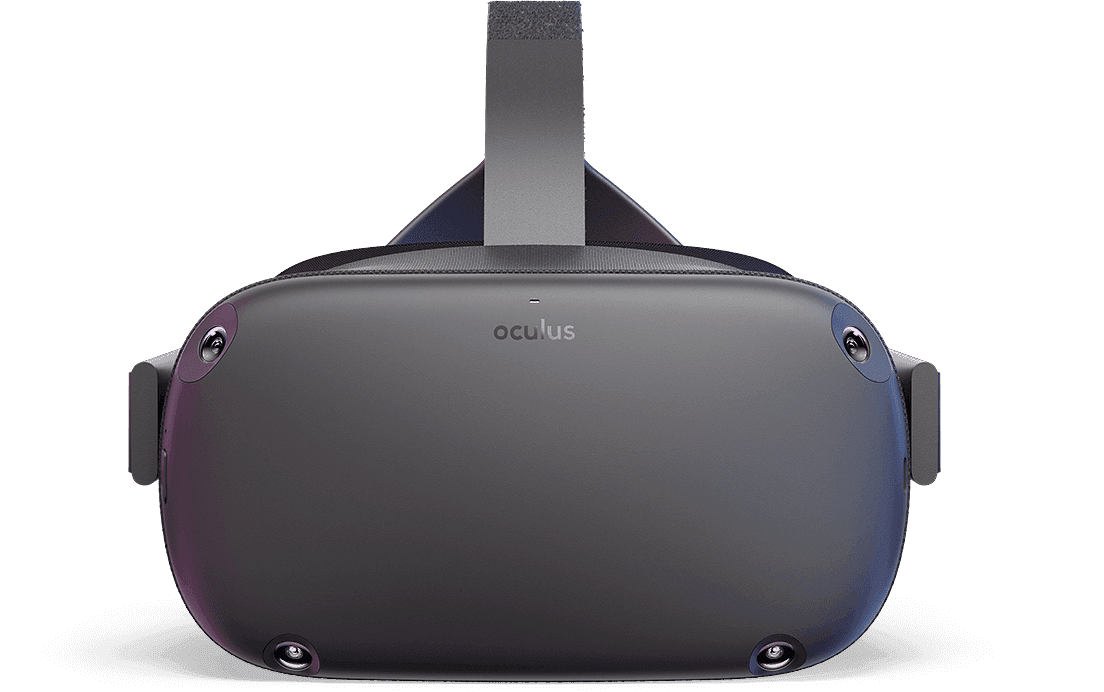
Oculus Quest Quest 1
02The original all-in-one Quest, with headset-based tracking and touch controllers. An option to discuss for existing projects built around this generation of hardware.
- Setup
- Standalone headset & controllers
- Plan for
- Legacy software compatibility checks
 Standalone VR / Wireless experiences
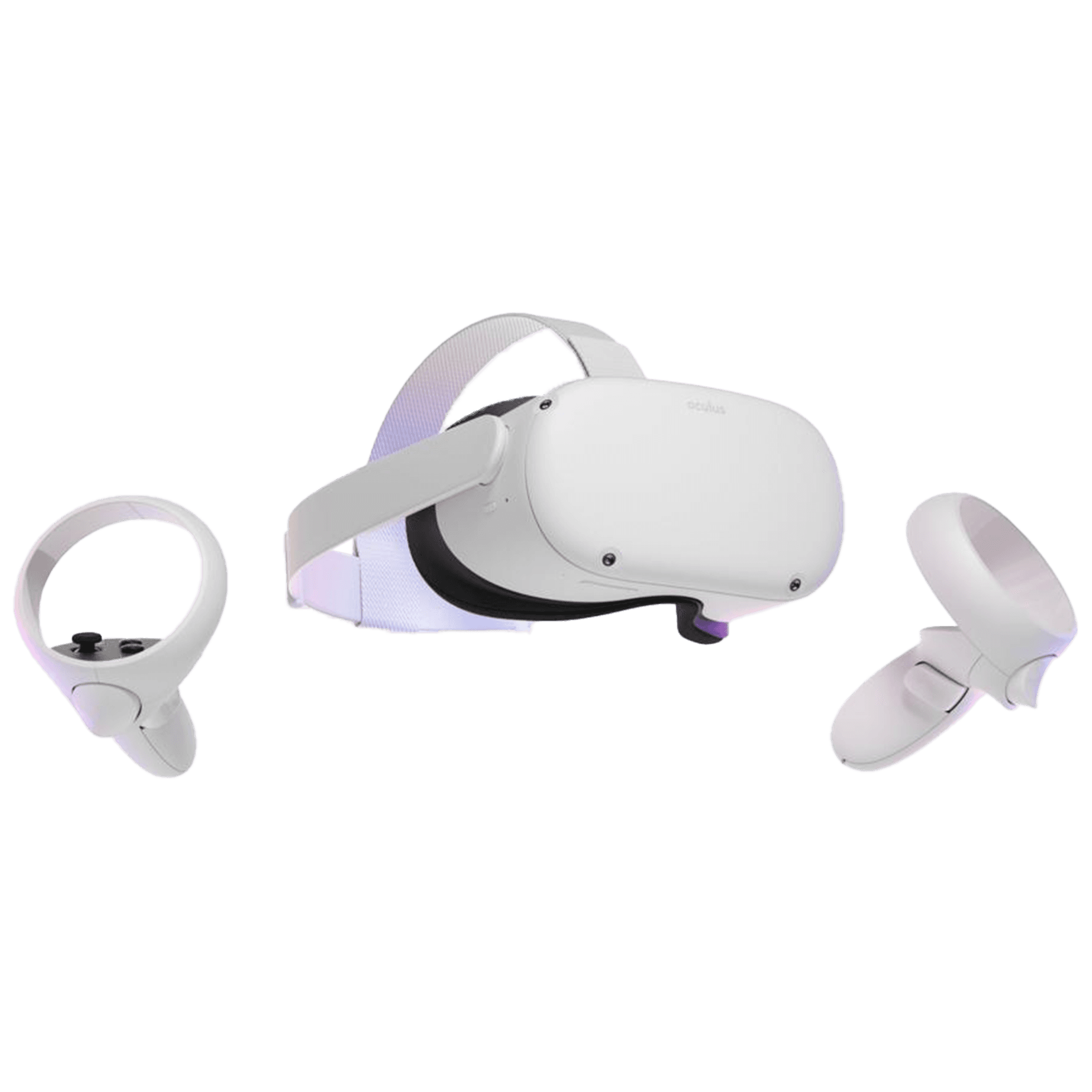
Meta Quest 2
03Also known as Oculus Quest 2. Run compatible standalone experiences without a separate gaming PC, for demos, interactive sessions and training activities.
- Setup
- Standalone headset & controllers
- Plan for
- Charging & your chosen application
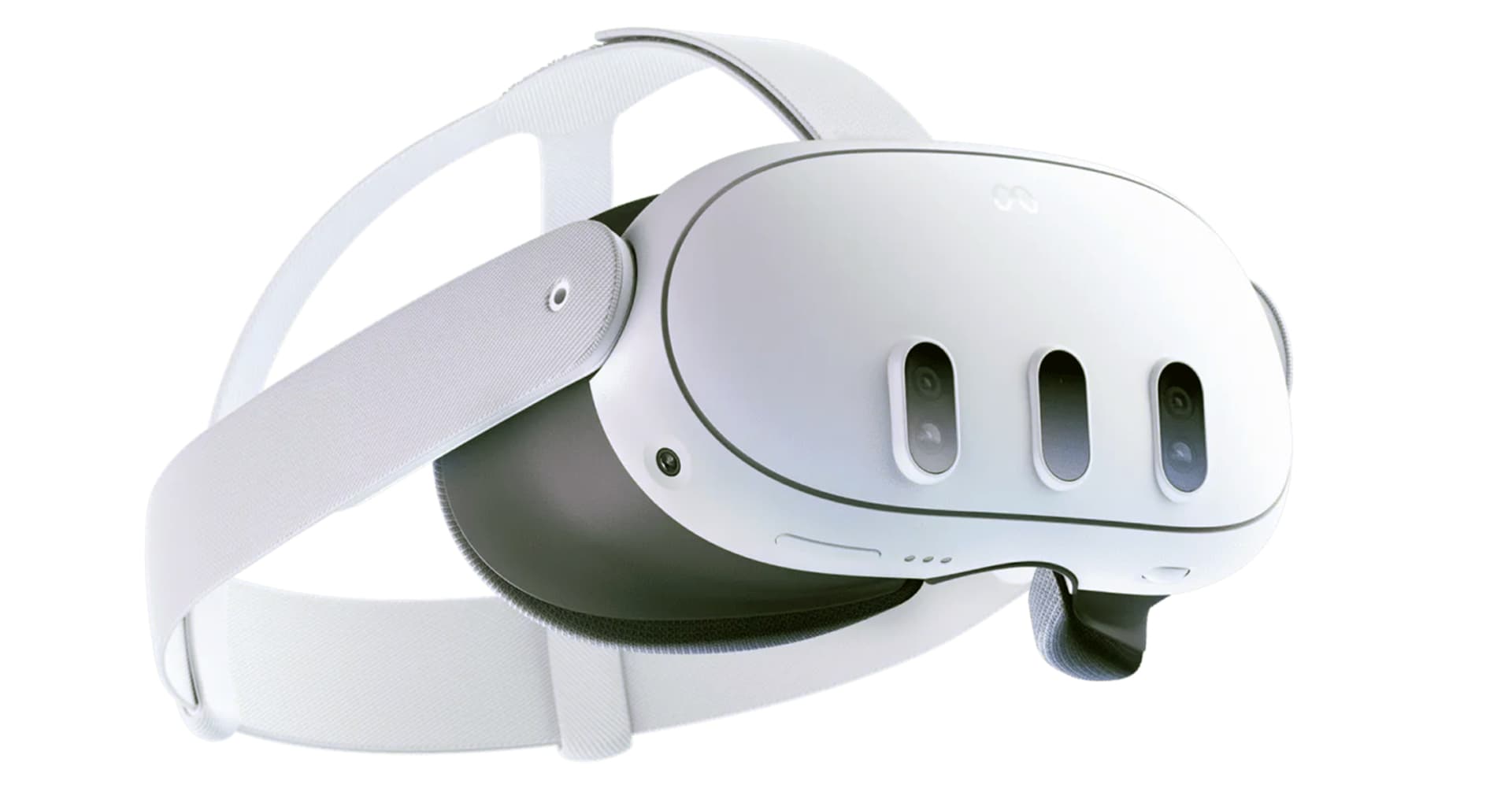 Standalone VR / Mixed reality
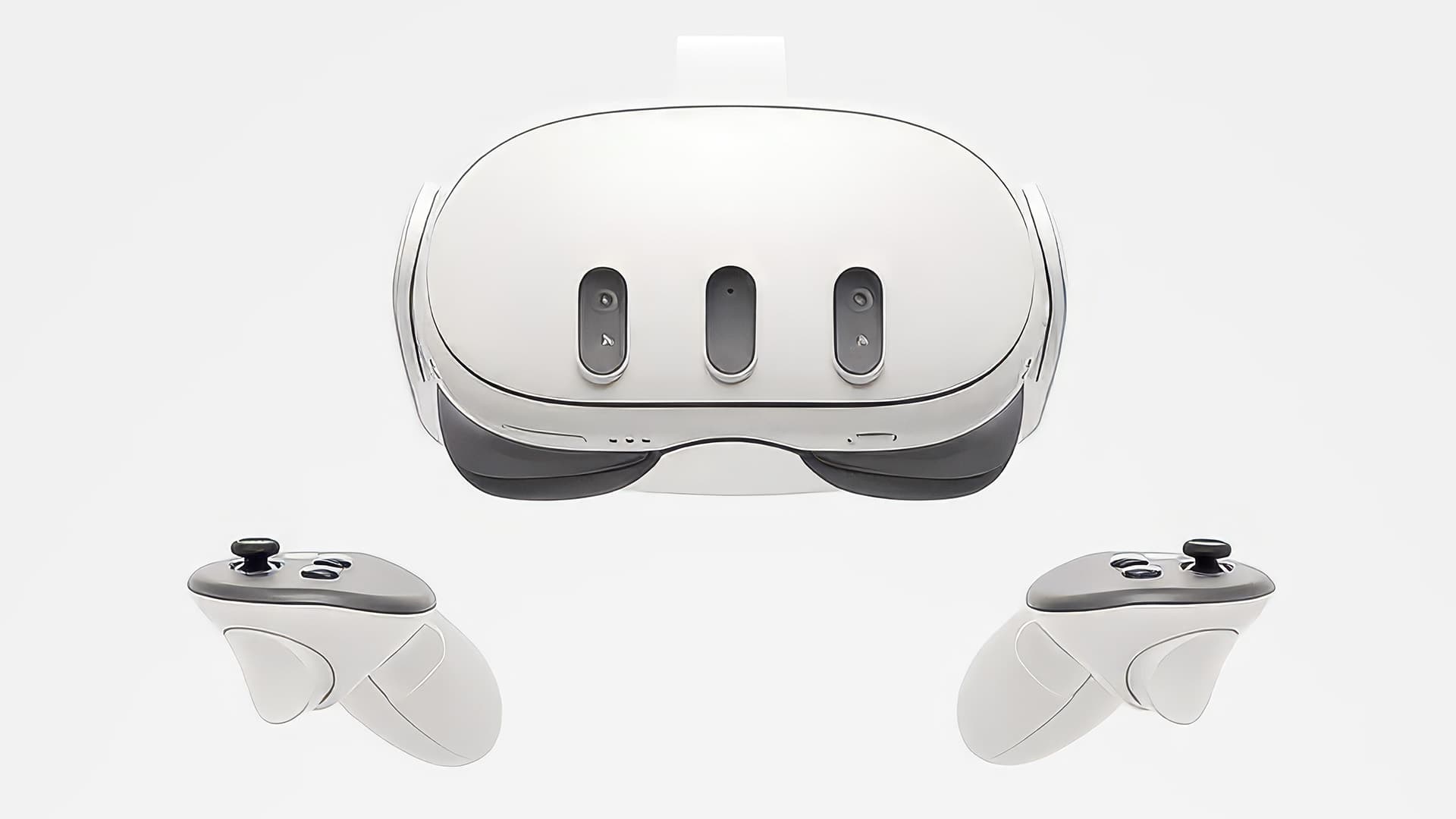
Meta Quest 3
04Explore VR and compatible mixed reality experiences with colour passthrough and pancake lenses. A versatile option for bringing digital content into your event.
- Setup
- Standalone headset & controllers
- Plan for
- Content, room layout & casting needs
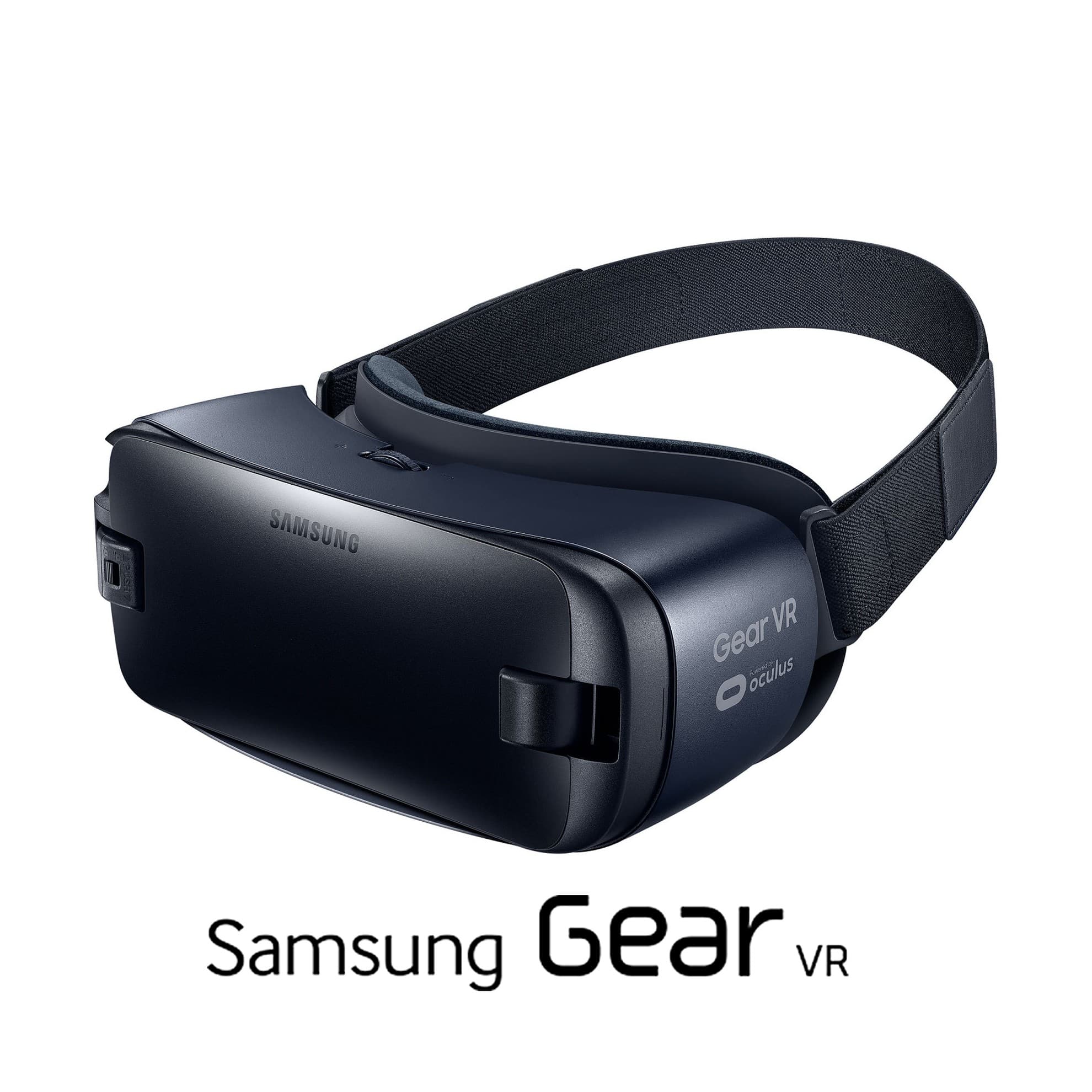 Phone-powered VR / Legacy platform
Samsung Gear VR
05A headset paired with a compatible Samsung Galaxy phone. Discuss your existing content so we can check the complete phone-and-headset setup.
- Setup
- Gear VR headset & compatible Galaxy phone
- Plan for
- Phone, connector & software compatibility
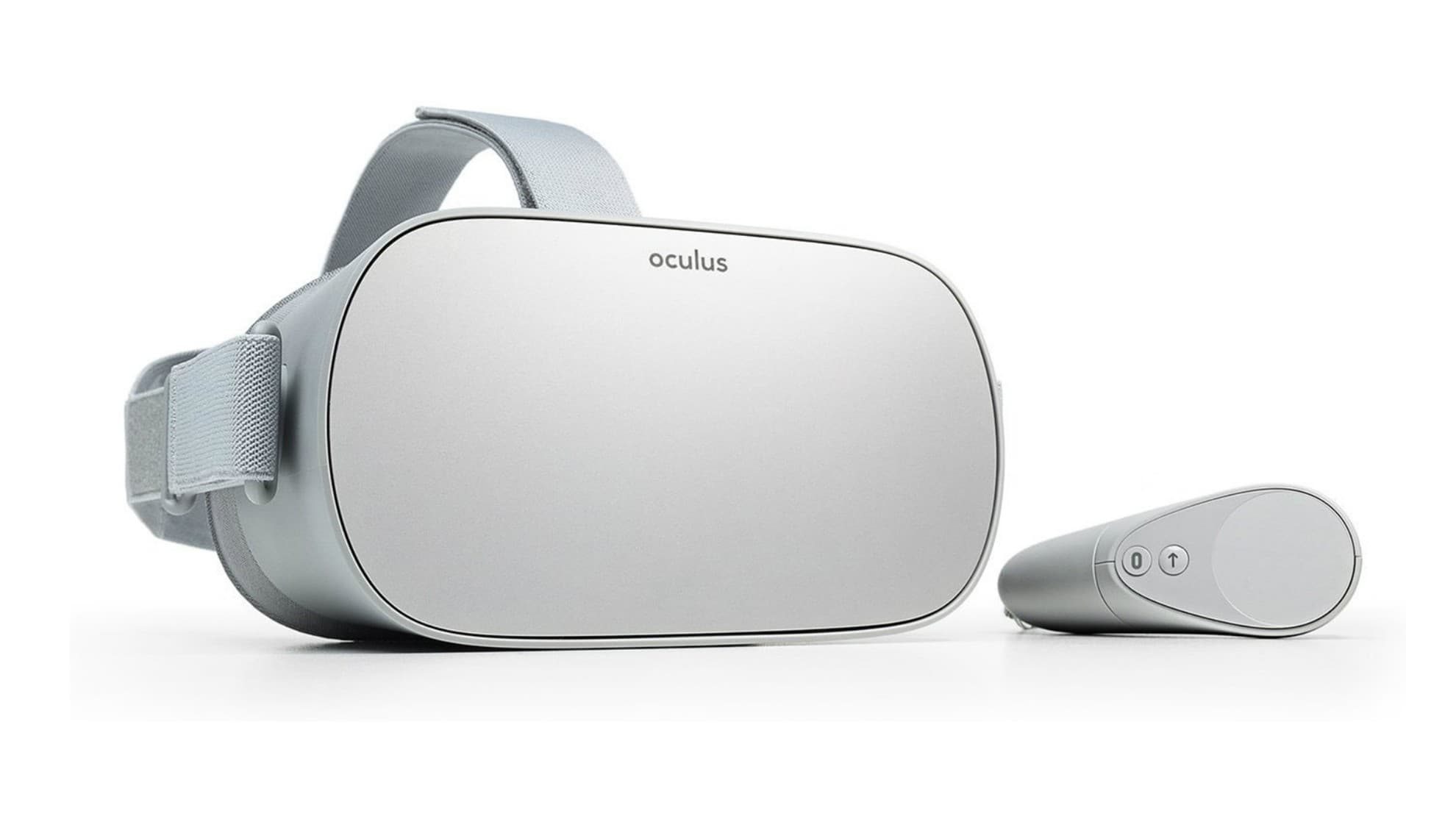 Standalone viewing / Legacy platform
Oculus Go
06Discuss compatible 360° video and seated VR experiences using the all-in-one Oculus Go. Content and working equipment are checked before confirmation.
- Setup
- Headset, controller & charger
- Plan for
- Content compatibility & equipment availability
Need a different model or a mix of headsets? Include it in your enquiry. We’ll confirm the equipment, accessories and content available for your dates.
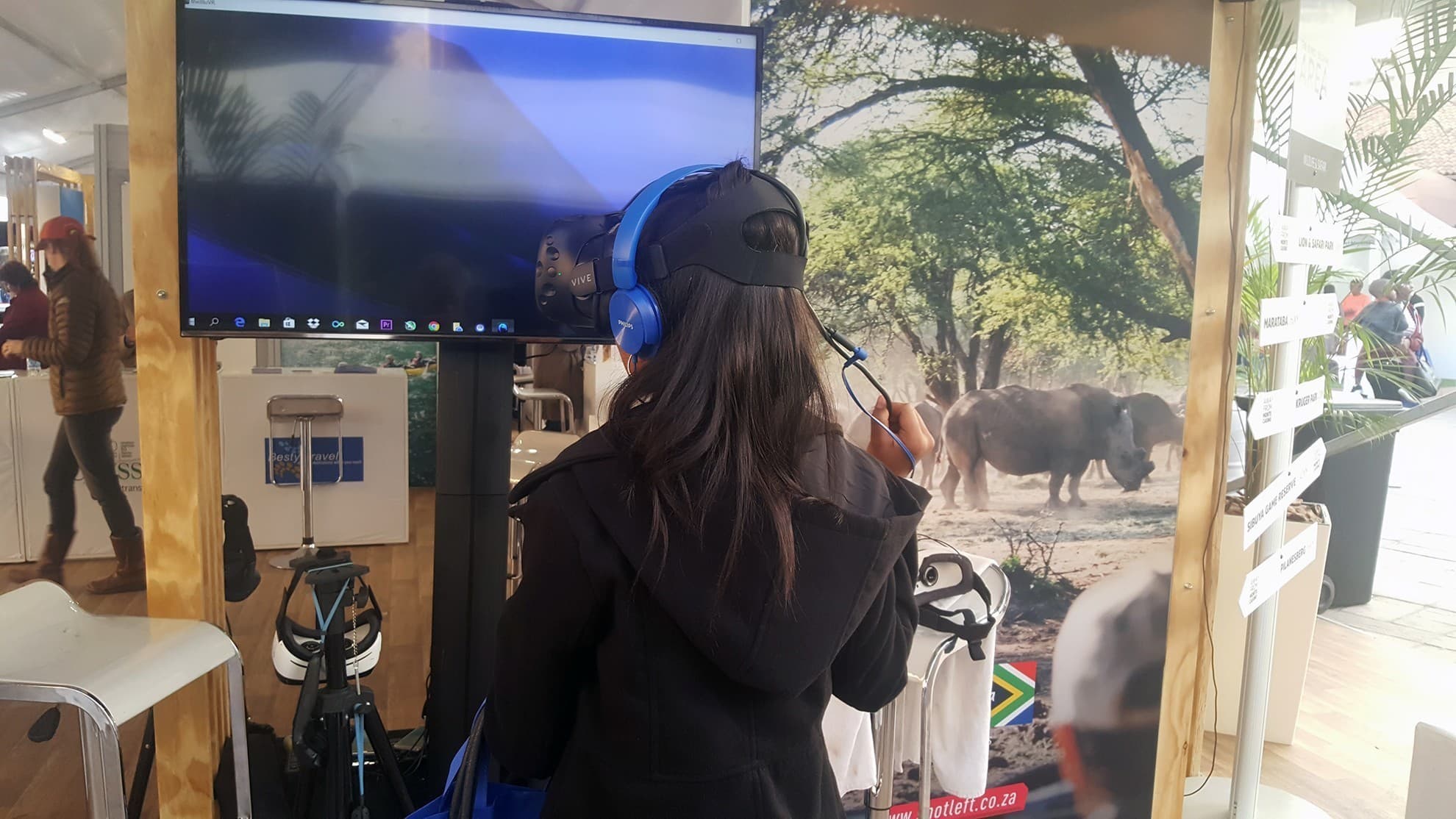 Bring the audience into the experience
02 / More than a headset
One person in VR.
Everyone in
the moment.
We rent TVs alongside headsets so guests, colleagues and facilitators can follow what the participant is seeing. Make a solo experience part of a shared event.
Ask us to include the screen and a suitable casting or display setup in your quote. The connection depends on the headset, application and venue network—we’ll plan the right approach with you.
Add TV casting to your rental03 / Build your setup
The right equipment.
The right support.
Request the equipment and support your event needs. Your quote will set out what’s included, from the headset to the people running it.
Headsets & accessories
Discuss headsets, controllers, charging equipment and any PC or tracking hardware required by the selected experience.
TVs & shared viewing
Add screens and a suitable display connection. Tell us where the audience will stand and how many VR stations you’re planning.
Delivery & setup
Ask about delivery and on-site setup. Allow for power, a clear play area, equipment positioning and a test before guests arrive.
Event facilitators
Include a request for on-site personnel to introduce the experience, guide participants and help manage your VR activation.
Planning an event or activation?
Bring together headsets, content, TV casting and facilitators. Explore our event hire service to plan the complete setup.
04 / Before your event
A little planning.
A better experience.
We’ll help you connect the equipment, content and venue requirements before confirming your rental.
Can I rent a TV with the headsets?
Yes. Include TV screens and casting in your enquiry. We’ll confirm screen availability and a display setup compatible with your headset and experience. Not every app or TV supports the same casting method.
Do I need a PC or Wi-Fi?
HTC Vive requires a compatible PC and tracking setup. Quest headsets can run compatible standalone content without a separate PC. Network requirements depend on the content, account setup and casting method, so share your venue’s connectivity details with us.
How much does it cost to rent?
Request a quote for your dates, duration, headset quantities and location. Add TVs, PCs, delivery, setup and facilitators where needed so the quote reflects the full experience you want.
Are games and experiences included?
Tell us which game, video or application you want to use, or ask for help choosing. Content availability, compatibility and any event-use licensing need to be confirmed as part of your rental.
What should the venue provide?
Plan a clear area for each participant, access to power and space for screens and spectators. Share the room layout and available network connection so the setup can be planned around your venue.

Step Into The Future with
Virtual Reality South Africa
From turnkey VR activations and enterprise equipment rentals to bespoke spatial computing software and 360° video production — our specialized team brings your immersive vision to life.