
Meta Quest 2
Unboxing
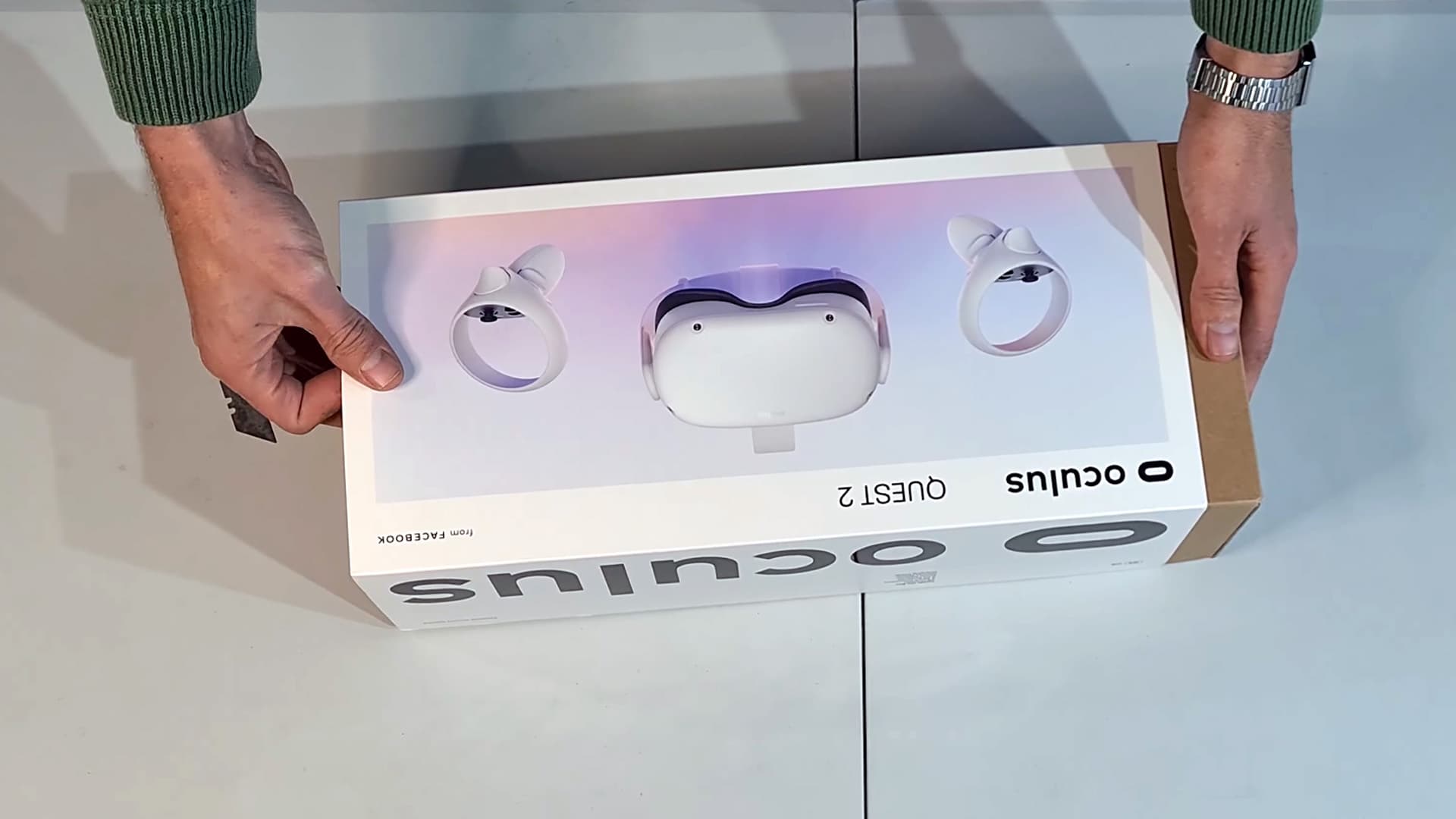
Join us as we unpack the Oculus Quest 2, now known as Meta Quest 2. Explore the white standalone headset, Touch controllers, accessories and hardware behind the experience.
01 / Watch the original film
A first look.
Up close.
Follow the reveal of the headset and its accessories, with a closer look at the design and contents of the box.
02 / What you see
Meet the kit.
Core hardware.
A self-contained VR system, with a headset and two controllers as the core of the experience.
The headset
The white standalone headset combines its display, tracking cameras and processing in one device. An adjustable strap helps position it on the head.
Touch controllers
Two controllers bring your hands into compatible experiences, with buttons, thumbsticks and triggers for interacting inside immersive virtual worlds.
The accessories
Watch the original unboxing to see the charging equipment and accessories supplied with the unit shown. Contents can differ for used or rental kits.
03 / Hardware at a glance
The technology
inside.
These are Quest 2 platform specifications. Application support, refresh rate and PC connectivity depend on the software and setup.
Meta hardware reference- Platform
- Qualcomm Snapdragon XR2
- Memory
- 6 GB RAM
- Display
- 1832 × 1920 pixels per eye
- Refresh rate
- Up to 120 Hz in supported applications
- Tracking
- 6DoF headset and Touch controller tracking
- PC VR
- Compatible PC and Link or Air Link setup
- Storage
- Varies by unit; confirm the headset capacity
04 / Before you use it
The setup
matters too.
Match the headset to the experience you want to run.
Check your content
Confirm that your chosen game, training build or media application supports Quest 2. A title being available on a newer Quest does not automatically mean it works on this headset.
Plan PC-connected experiences
Standalone content runs on the headset. PC VR requires a compatible computer and a suitable wired or wireless connection. The computer, network and application all affect the result.
Include shared viewing
For events or demonstrations, discuss a TV and a compatible casting setup. The receiving device, application and venue network need to work together.
Confirm the complete kit
For a used headset or a rental, confirm storage capacity, controllers, charging equipment and accessories. Current account and app requirements can differ from those shown in the original film.

Step Into The Future with
Virtual Reality South Africa
From turnkey VR activations and enterprise equipment rentals to bespoke spatial computing software and 360° video production — our specialized team brings your immersive vision to life.