
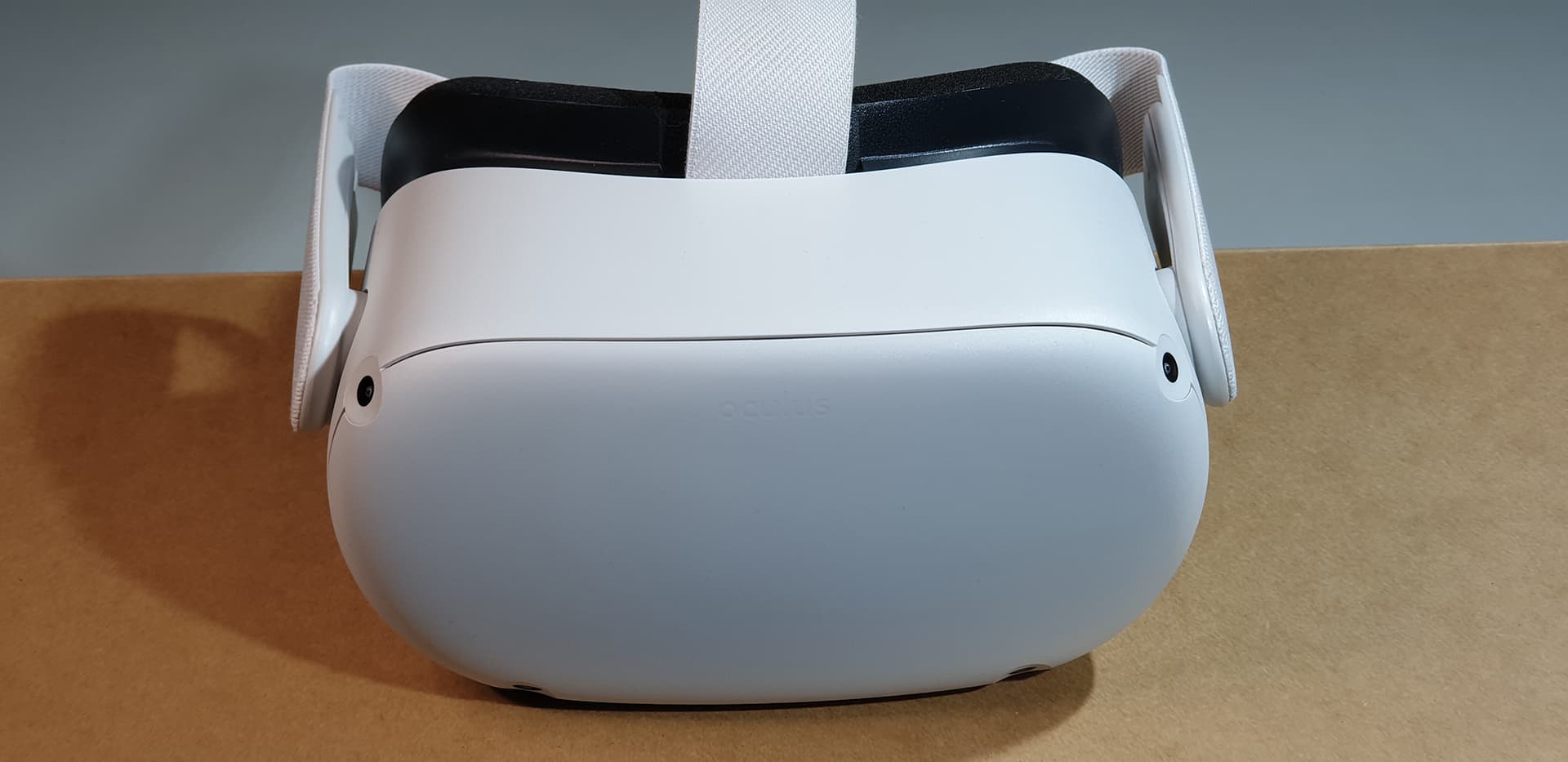
Meta Quest 2
Headset Review
A practical look at the Meta Quest 2, based on our original Oculus Quest 2 review. Explore hardware performance, 6DoF inside-out tracking, display fidelity and event considerations.
01 / Watch the review film
A closer look.
Up close.
The original review included our Quest 2 unboxing film. Watch it here for a closer look at the hardware and accessories.
02 / The experience
The experience.
Core features.
The review focused on the step from the original Quest to Quest 2: a revised design, higher display resolution and more processing capability.
Standalone flexibility
Compatible Quest applications run directly on the headset. A separate gaming computer is not needed for standalone experiences.
Movement & interaction
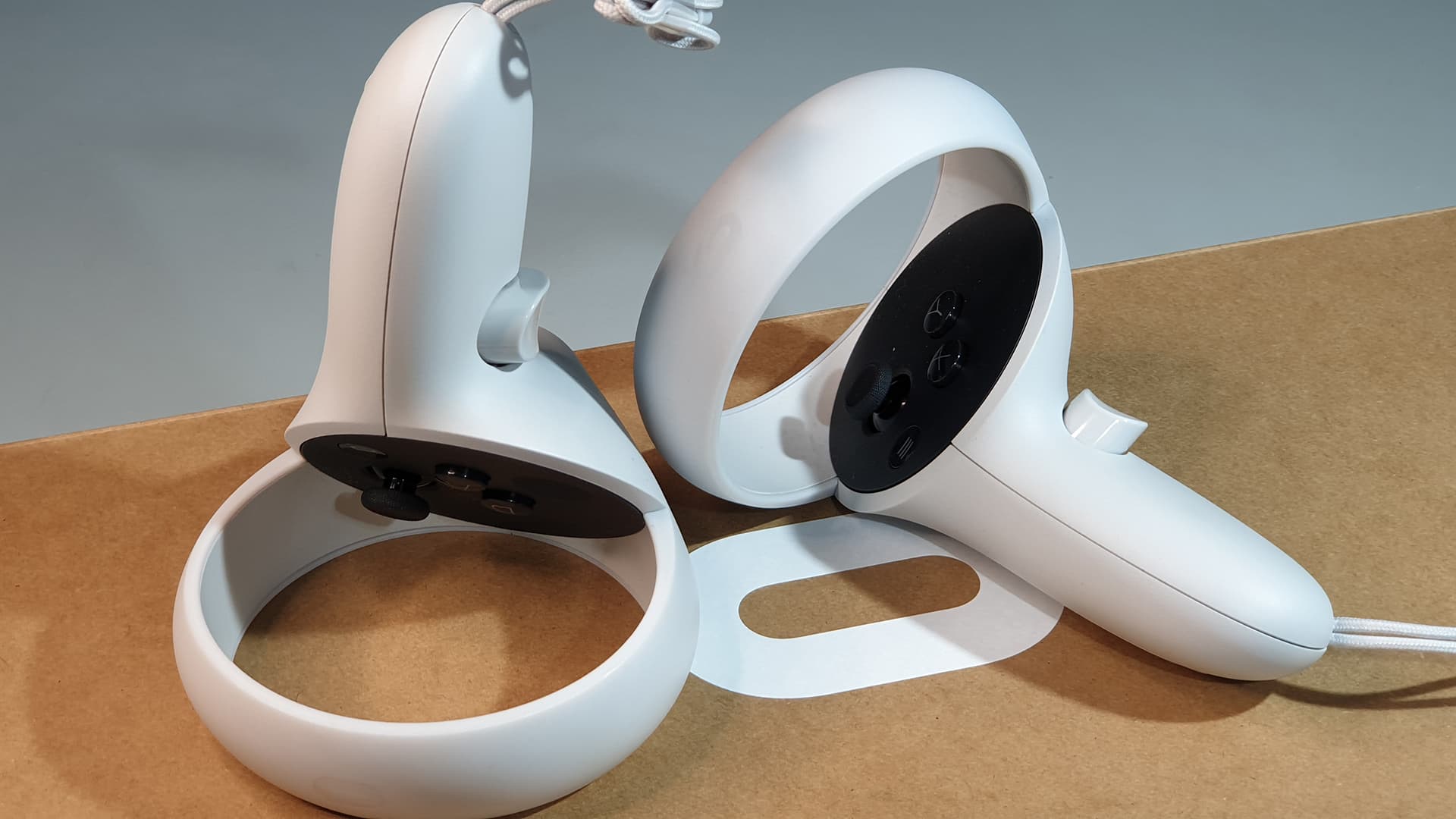
Inside-out tracking follows the headset and controllers through the configured play area. This allows more movement than an orientation-only headset such as Oculus Go.
A wider set of uses
Our original review explored gaming alongside meetings, social experiences, fitness and business applications. Check whether each chosen app still supports Quest 2.
03 / Hardware at a glance
The technology
inside.
These are Quest 2 platform specifications. Application support, refresh rate and PC connectivity depend on the software and setup.
Meta hardware reference- Platform
- Qualcomm Snapdragon XR2
- Memory
- 6 GB RAM
- Display
- 1832 × 1920 pixels per eye
- Refresh rate
- Up to 120 Hz in supported applications
- Tracking
- 6DoF headset and Touch controller tracking
- PC VR
- Compatible PC and Link or Air Link setup
- Storage
- Varies by unit; confirm the headset capacity
04 / The physical design
Fit. Adjust.
Explore.
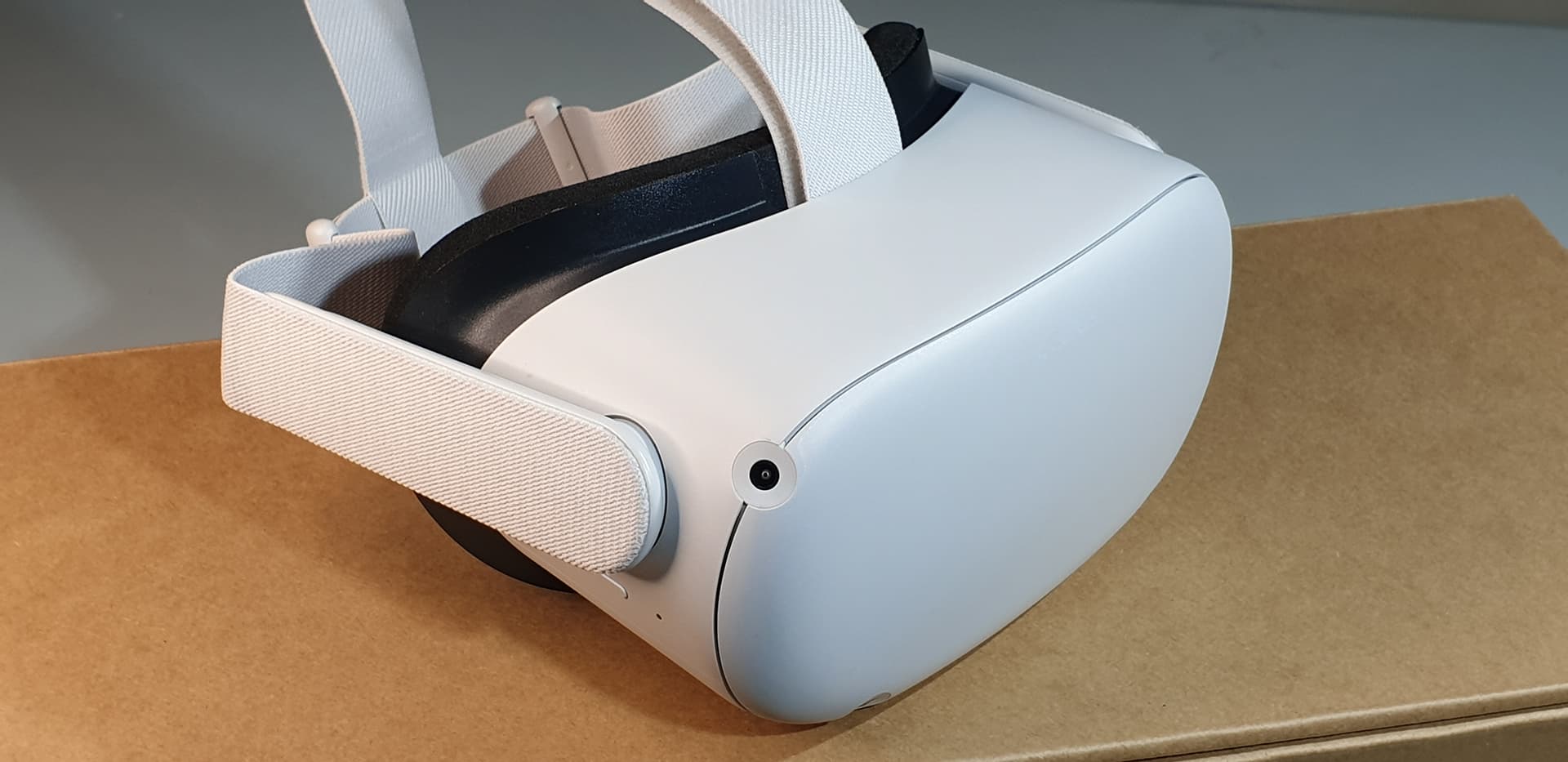
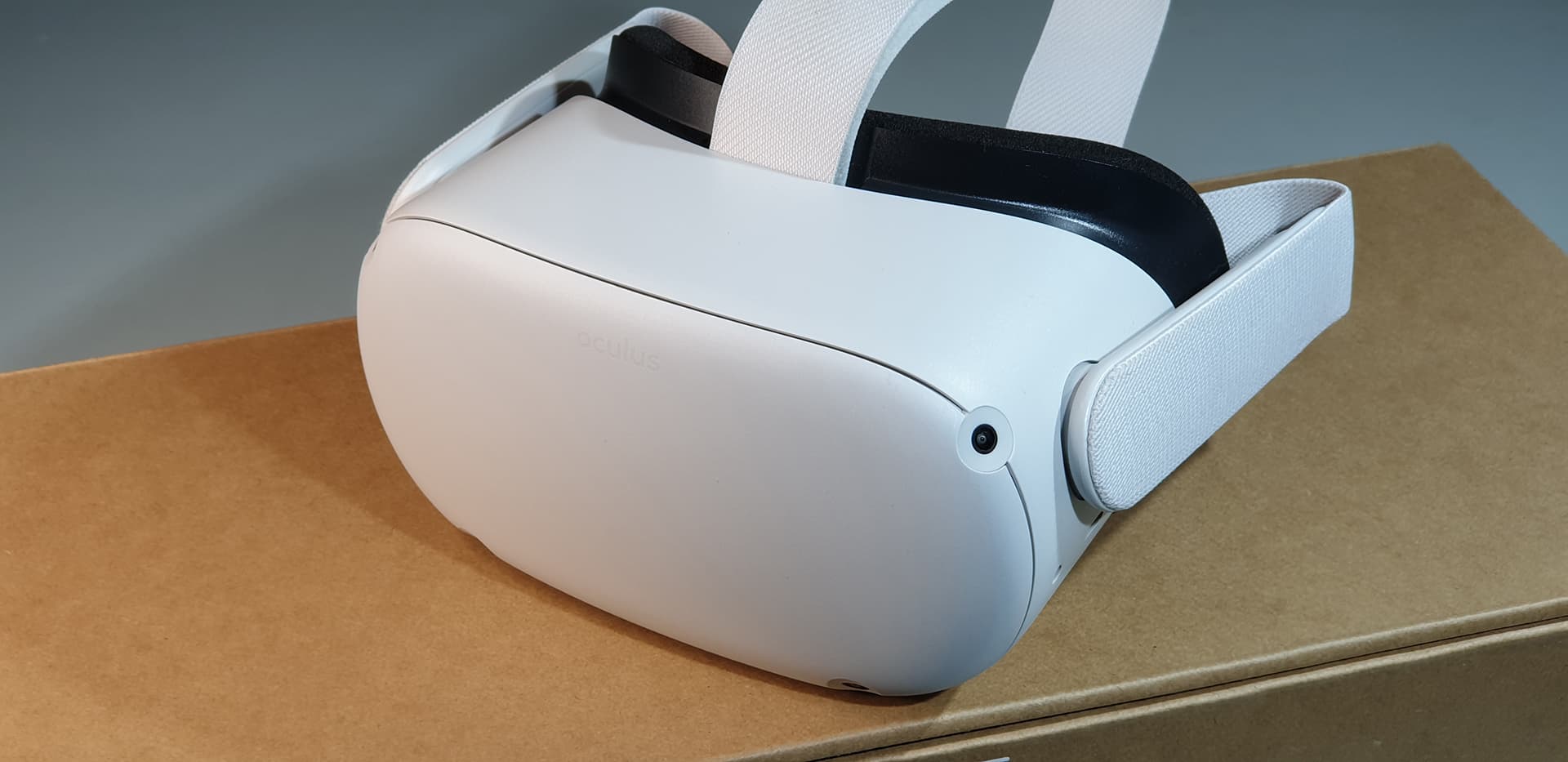
The headset has an adjustable strap and three lens-spacing positions. Fit is personal: take time to find a comfortable position and a clear view before starting an experience.
05 / Before you use it
The setup
matters too.
Match the headset to the experience you want to run.
Check your content
Confirm that your chosen game, training build or media application supports Quest 2. A title being available on a newer Quest does not automatically mean it works on this headset.
Plan PC-connected experiences
Standalone content runs on the headset. PC VR requires a compatible computer and a suitable wired or wireless connection. The computer, network and application all affect the result.
Include shared viewing
For events or demonstrations, discuss a TV and a compatible casting setup. The receiving device, application and venue network need to work together.
Confirm the complete kit
For a used headset or a rental, confirm storage capacity, controllers, charging equipment and accessories. Current account and app requirements can differ from those shown in the original film.

Step Into The Future with
Virtual Reality South Africa
From turnkey VR activations and enterprise equipment rentals to bespoke spatial computing software and 360° video production — our specialized team brings your immersive vision to life.